Admin
Admin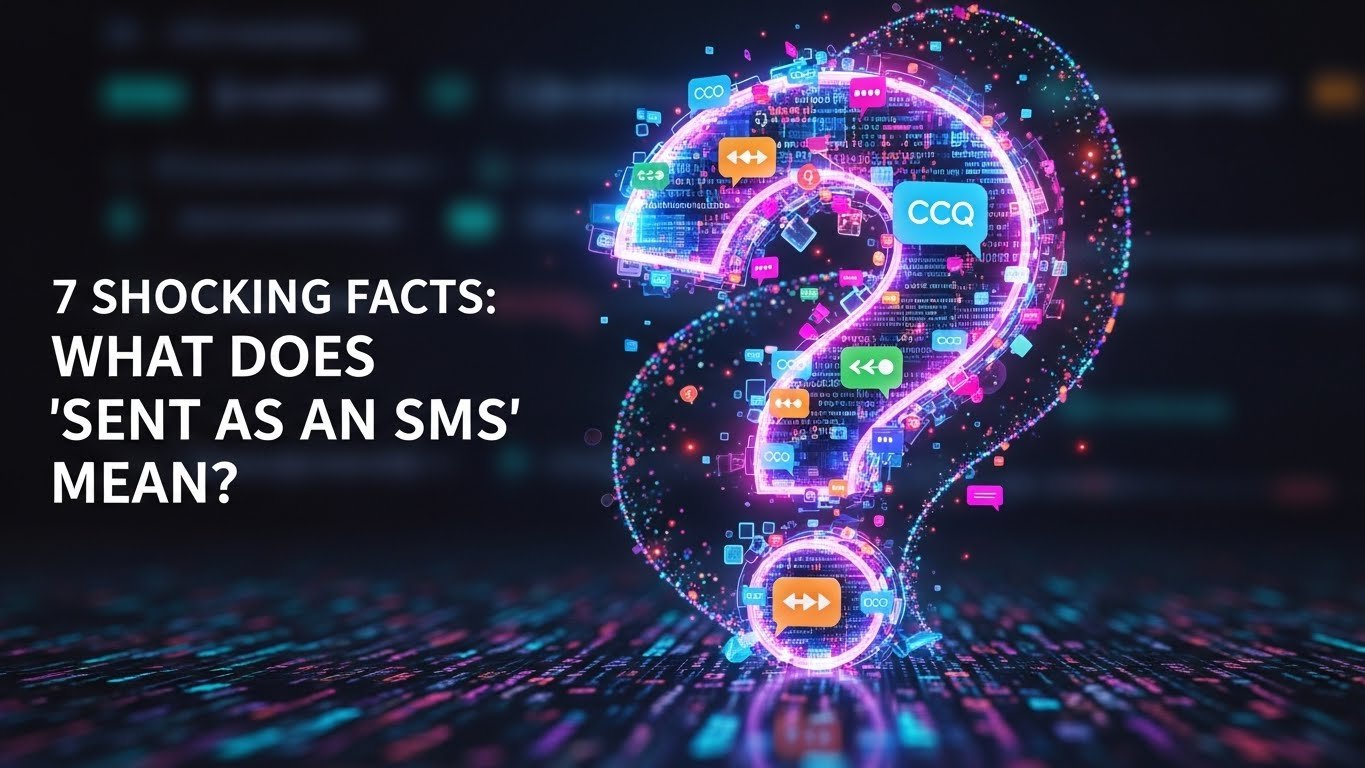
If you’re an Android or WhatsApp user, chances are you’ve seen this line at least once:
And the moment you see it, confusion kicks in.
I’ve personally seen people panic when this message suddenly appears under a text they thought was sent on WhatsApp. One friend literally asked me, “Did my WhatsApp turn into SMS?”
It sounds funny, but the confusion is real.
The problem is that SMS mean isn’t always obvious. The meaning changes slightly depending on your phone, app, and internet connection. In this article, I’ll break down the SMS meaning in plain English no technical jargon, just real explanations.
What Does “Sent as an SMS” Mean?
In simple terms:
“Sent as an SMS” means your message was sent using your mobile carrier’s SMS network instead of the internet.
Normally:
- WhatsApp, iMessage, and chat apps use internet
- SMS uses your mobile network
When the internet fails, your phone may automatically switch and send the message sent as SMS. This is commonly known as SMS fallback.
So no—you didn’t manually choose SMS. Your phone made that decision for you.
Fact #1 – Why Messages Are Sent as SMS When Internet Fails
From what I’ve seen, the most common reason is weak or unstable internet.
This usually happens when:
- Wi-Fi is connected but not actually working
- Mobile data is on but signal is poor
- You’re in an elevator, basement, or moving area
When this happens, your phone thinks:
“The message shouldn’t fail.”
So it switches automatically:
- Message sent as SMS instead of WhatsApp
- Android activates the SMS fallback feature
That’s why you see sent as an SMS due to no internet.
Fact #2 – “Sent as SMS” Does NOT Mean Delivered
This is the biggest misunderstanding.
Sent only means the message left your phone.
Delivered means it actually reached the other person.
With SMS:
- Delivery reports are limited
- Sometimes there’s no confirmation at all
So yes:
- Sent as SMS but not delivered is very possible
- Unlike WhatsApp, there are no clear double ticks
Many people assume the message was received but that’s not always true.
Fact #3 – Meaning Changes on Android, iPhone, and WhatsApp
Sent as SMS on Android
On Android (especially Google Messages):
- Chat messages try to send via internet first
- If they fail and send as SMS is enabled
You’ll see:
- Status: Sent as SMS
- This is Android’s SMS fallback
The message becomes a normal text message.
Sent as SMS on iPhone
iPhone makes this much clearer visually.
- Blue bubble = iMessage (internet)
- Green bubble = SMS
If iMessage fails:
- iPhone sends the message as SMS
- You’ll see a green bubble
So iPhone SMS meaning = internet wasn’t available.
Sent as SMS on WhatsApp
This is less common, but it does happen on some Android devices.
In certain cases:
- WhatsApp message fails
- Phone-level SMS fallback triggers
Result:
- WhatsApp message sent as SMS
This is usually due to phone settings, not WhatsApp itself.
Fact #4 – Can Cost You Money
This is something many users ignore.
Yes, sent as SMS charges may apply.
Especially if:
- Your SMS bundle is exhausted
- You’re texting an international number
Depending on your carrier:
- Standard SMS cost may apply
- International SMS can be expensive
So a message you thought was “free” might actually cost you.
Fact #5 – SMS Security vs Internet Messaging
Security-wise, SMS is weaker.
Here’s the reality:
- SMS is not end-to-end encrypted
- WhatsApp and iMessage are encrypted
This means:
- SMS privacy issues are real
- Messages are easier to intercept
Personally, I avoid sending sensitive information via SMS and you should too.
Fact #6 – How Auto SMS Fallback Actually Works
On many Android phones:
- There’s an option called send as SMS automatically
- When internet messaging fails, the phone switches on its own
The process looks like this:
- Internet message is attempted
- It fails
- SMS fallback activates
- Message is sent via SMS
It’s convenient but it can quietly increase costs.
Fact #7 – How to Avoid
If you want to stop messages from turning into SMS:
- Make sure your internet is stable
- Disable SMS fallback in messaging settings
- Turn off “send as SMS” where possible
- Use WhatsApp only for international chats
Common Reasons Why Messages Are Sent as SMS
- Weak or no internet
- Receiver temporarily offline
- Messaging app glitch
- SMS fallback enabled
- Network switching (Wi-Fi to data)
These are the most common message fallback reasons.
Sent as SMS vs Sent via Internet
| Feature | Sent as SMS | Sent via Internet |
|---|---|---|
| Internet required | No | Yes |
| Charges | May apply | Usually free |
| Encryption | No | Yes |
| Delivery clarity | Limited | Clear indicators |
| Media support | Text only | Text, images, videos |
This table usually clears up most confusion instantly.
Real-Life Examples
Example 1:
You: “Where are you?”
Status: Sent as SMS
Reason: Poor signal inside a building
Example 2:
WhatsApp message fails → phone sends SMS automatically
These situations happen daily. we just don’t notice them.
Tips to Manage SMS Usage Smartly
- Keep track of your SMS balance
- Use SMS fallback only when necessary
- Maintain a stable data connection
- Avoid SMS to unknown international numbers
These SMS cost-saving tips actually work. text message meanings
FAQs
What does “sent as an SMS” mean on Android?
It means Android used the SMS network instead of internet messaging.
Does sent as SMS mean the message was received?
No. Sent does not mean delivered.
Why does my phone say sent as SMS instead of WhatsApp?
Because of internet issues or SMS fallback being enabled.
Is sent as SMS free?
Usually no. SMS charges may apply.
How do I turn off sent as SMS?
Disable SMS fallback in your Android messaging settings.
Final Thoughts
Honestly, not really.
Sent as an SMS is simply a backup system to make sure your message doesn’t fail. Just remember:
- Charges may apply
- Security is lower
- Delivery isn’t always guaranteed
Once you understand this, the message stops being confusing.
For most people, it’s just a normal fallback not something to panic about.