Admin
Admin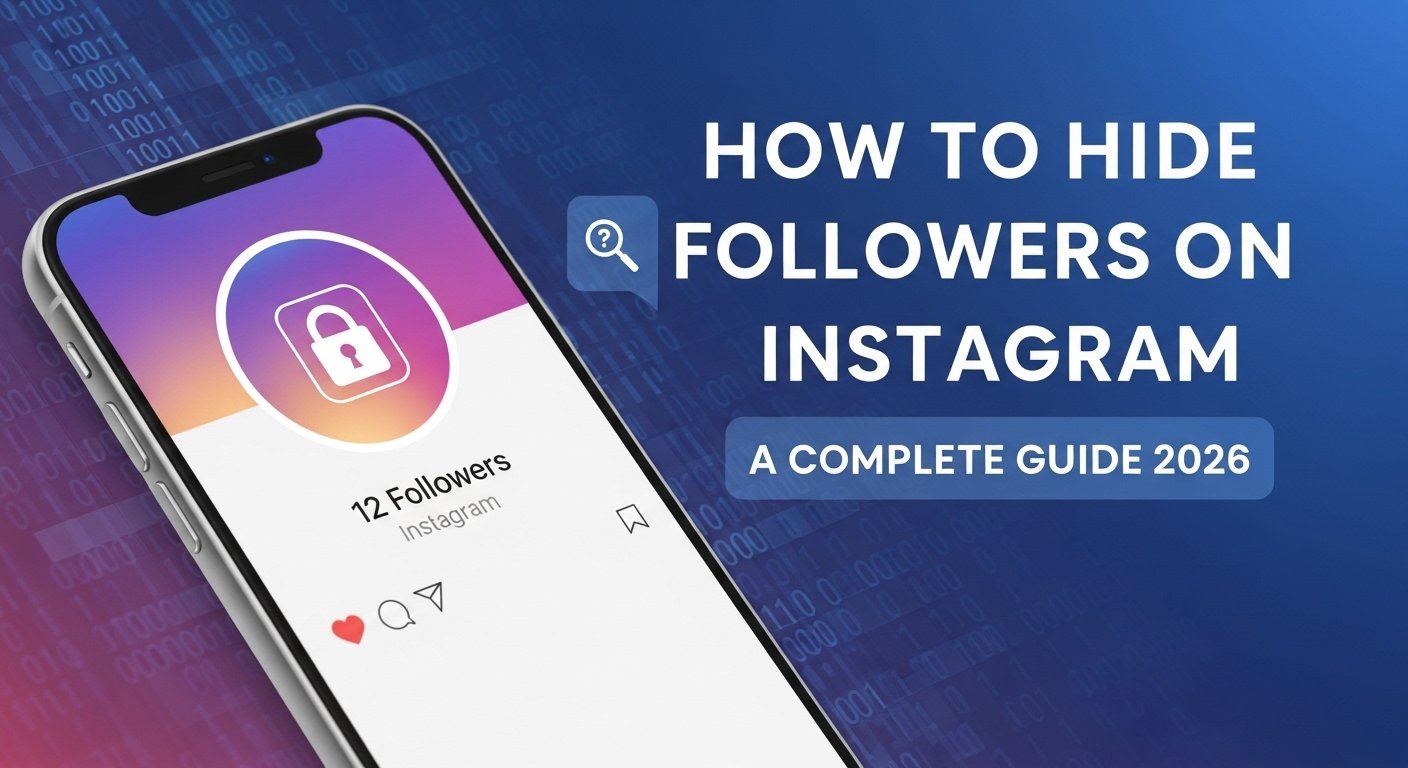
Instagram privacy isn’t as straightforward as people assume. I’ve spent years managing multiple accounts personal, professional, niche blogs and the follower visibility question comes up more than almost anything else.
Why Would You Want to Hide Followers on Instagram?
Privacy Reasons to Hide Your Follower List
There are actually a lot of legitimate reasons. Influencers don’t want competitors reverse-engineering their audience. Teens don’t want strangers seeing who follows them. Professionals keep personal and work lives separate. Maybe you’ve built a niche community and you’d rather not hand that list over to anyone who visits your profile.
From what I’ve seen, most people want this for pretty simple reasons they just don’t want their follower list to be a public directory. That’s fair.
Can You Completely Hide Followers on Instagram?
The truth of the matter is as follows: no, not entirely. Instagram does not provide you with a single option that will make your number of followers or the list invisible to everyone. What it does provide you with are a number of settings which when combined together provide you with meaningful control. And rather than seeking a single magic setting, you are sort of a combination of several techniques. Expect nothing less of yourself this is not a question of visibility, but minimizing it.
Read related article: https://garminlive.com/5-best-gaming-laptops-in-2026-top-picks-for-every-budget/
1 Switch to a Private Account
How to make your Instagram private account: Step by Step.
This is the best individual thing that you can do. In case you are in a private account only your approved followers can view your follower list, posts and your following list.
- Open Instagram and visit your profile.
- Press the three line menu (top right)
- Go to Settings and Privacy
- Tap Account Privacy
- Toggle on Private Account
That’s it. Anyone who doesn’t follow you will just see your bio and profile photo nothing else.
Difference Between Public and Private Account
On a public account, anyone logged in or not can see your followers and following list. On a private account, only approved followers can. The tradeoff is reach. Your posts won’t appear in Explore or hashtag results as broadly. For most people prioritizing privacy over growth, that’s a trade worth making.
2 Remove Followers Without Blocking
Instagram: How to Delete a Follower without making it obvious.
This option is unknown to a great number of people, which astonishes me each time. You do not need to block a person to get rid of them.
- Tap followers on your profile.
- Find the person you want to remove
- Tap the three dots next to their name
- Select Remove
They won’t get a notification. They will no longer be your followers. When they come to your profile (again, presumably, when it is public), they will see it as a non-follower would. It is the least offensive manner of cleaning up your list without the greatness of blocking.
3 Hide Your Following List
Can Others See Who You Follow on Instagram?
Yes on a public account, your following list is completely visible to anyone. That includes the accounts you follow privately or for research. Many people overlook this and focus only on who follows them.
Switching to a private account solves this too. Once private, only your approved followers can see who you follow. There’s no separate toggle to hide your following list independently of your follower list it’s one setting for both.
4 Have Instagram Close Friend Feature.
Close Friends will not conceal your list of followers directly, and it is truly helpful in terms of the visibility of the content. In case you want only some people to see stories you post use your Close Friends list and post stories there.
It is a nice half-way ground where you are not interested in complete privacy yet you would like to selectively share. You can build that inner circle without restricting your whole account. I use it for personal updates I’d rather not blast to 800 followers.
5 Restrict or Block Specific Followers
How to Restrict Someone on Instagram
Restricting is underused. When you restrict someone, they can still see your posts, but their comments only show to them (unless you approve them), and they can’t see when you’re active.
- Go to the person’s profile
- Tap the three dots
- Select Restrict
How to Block Someone on Instagram
Blocking is more aggressive. The person can’t find your profile, see your posts, or interact with you at all.
Here’s a quick comparison:
| Action | They Can See Your Profile | Notified? | Can Interact? |
|---|---|---|---|
| Restrict | Yes | No | Limited |
| Remove | Depends on privacy | No | As a non-follower |
| Block | No | No | No |
Choose based on what you actually need. Blocking someone just to hide your follower list is overkill and honestly, unnecessary.
Read related article: https://garminlive.com/best-data-broker-removal-services-in-2026-full-guide-comparison/
How to Hide Follower Count on Instagram (Creator/Business Accounts)
On Instagram, creators can turn off the like counts on posts, and this has the side effect of diminishing the pressure of social proof. The number of your followers cannot be entirely concealed in your personal profile on a creator or a business page, yet you may switch off the like counts.
Go to Settings > Privacy > Posts and toggle off Hide Like and View Counts. It won’t hide followers, but it reduces the metrics game a little. Some creators find this genuinely helpful for their own mental health around numbers.
Tips to Manage Instagram Followers for Better Privacy
A few things I do regularly that actually help:
- Audit your followers monthly — remove accounts you don’t recognize
- Switch to private if follower list privacy matters more than reach
- Restrict suspicious or bot-looking accounts instead of ignoring them
- Avoid accepting follow requests from accounts with no posts or profile photo
- Check your “Following” list too — sometimes old follows expose more than you’d like
Common Mistakes to Avoid When Hiding Followers
People mess this up more than they should:
- Blocking instead of restricting — it notifies people indirectly when they try to find your profile
- Staying public and expecting privacy — public means public, full stop
- Forgetting about the following list — hiding followers means nothing if your following list is open
- Never auditing followers — ghost followers and bots pile up fast
FAQs
Can I hide my followers list from specific people?
Not directly. Instagram does not provide selective visibility of follower lists to individual users, but one may remove or block certain people.
Do you block people covering your followers?
Yes – blocked users cannot see your profile whatsoever, not even the list of your followers.
Is it possible to conceal my trail of the subsequent list and leave followers on the surface?
Instagram does not distinguish these settings. Each of them depends on the public or private status of your account.
Will someone know if I remove them from followers?
No notification is sent. They will only be aware when they visit your profile and arrive there to realize they are not following anymore.
What is the secret of how to hide followers in Instagram without a personal account?
You can be able to remove certain followers or block/restrict certain users however, there is no option of entirely concealing your list of followers on a public account.
Is Instagram native be hide followers?
No. Instagram does not have a hide followers button. Control of visibility: You can control visibility by setting account privacy and viewer control.
Final Thoughts
There’s no single perfect method here. Going private is the most complete solution. Removing followers quietly is great for cleanup. Restricting handles specific problem accounts. Use them together based on what you actually need.
The tools are there most people just don’t know where to look. Which method worked best for you? Drop a comment below!