Admin
Admin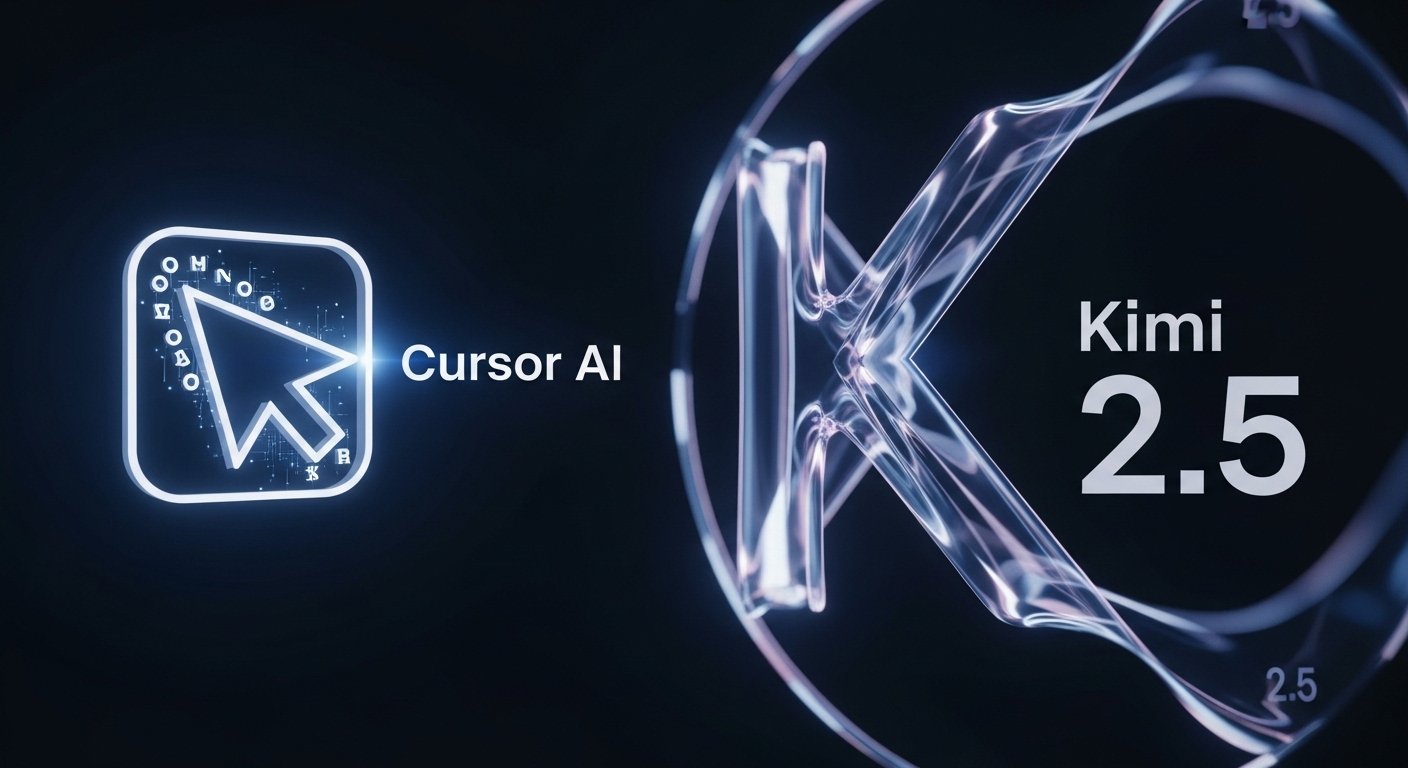
If you’ve been using AI coding tools lately, you’ve probably noticed how quickly things are evolving One update that caught my attention recently is Cursor AI adopting Kimi K2.5 as the core model behind Composer 2. Now, if that sounds like a bunch of buzzwords mashed together, here’s the simple version: Cursor AI is one of those smart IDE tools that acts like a coding partner, and Kimi K2.5 is the brain powering a big part of its decision-making.
From what I’ve seen, this shift isn’t just cosmetic. It changes how fast, accurate, and reliable code generation AI can be inside a real development workflow.
What is Kimi K2.5? (Deep Dive)
Core Features of Kimi K2.5
Kimi K2.5 is part of the new wave of large language models for coding, but it leans heavily into reasoning and structured understanding. It’s not just predicting the next line of code it’s actually trying to “think” through problems.
Some of the standout capabilities:
- Strong code understanding AI across multiple languages
- Improved reasoning for debugging and logic-heavy tasks
- Faster response times compared to earlier models
- Better handling of long context (huge win for real projects)
Compared to older models, the difference feels subtle at first but once you start working on larger files or complex logic, it becomes obvious. It makes fewer “guessy” mistakes.
Read more: https://garminlive.com/10-best-free-ai-tools-for-small-businesses-in-2026/
How Kimi K2.5 Improves Code Generation
Here’s a simple example from my own workflow.
I asked it to write a function to validate user input across multiple edge cases. Older models would either oversimplify or miss conditions. Kimi K2.5 handled:
- Input validation
- Error handling
- Edge cases
- Clean structure
All in one go.
That’s where AI coding workflows start to feel less like autocomplete and more like real assistance. It’s faster code writing AI, but also more accurate code suggestions—which honestly matters more.
Cursor AI’s Composer 2 and Its Evolution
What is Composer 2?
Composer 2 inside Cursor AI is basically your AI-powered coding environment that doesn’t just suggest code it builds chunks of logic based on intent.
Think of it like this: instead of typing line by line, you describe what you want, and it composes structured code around it.
It integrates directly into your workflow, so you’re not switching tabs or tools constantly. That’s a small thing, but it makes a big difference during long coding sessions.
Why Cursor AI Chose Kimi K2.5
From a practical standpoint, the choice makes sense.
Kimi K2.5 brings:
- Better reasoning for complex tasks
- More reliable outputs (fewer hallucinations)
- Strong performance in coding benchmarks
Many people overlook this, but reliability matters more than raw speed. A slightly slower model that gets things right saves more time than a fast one that breaks your code.
Key Benefits for Developers
Faster Development Workflow
This is the obvious one, but it’s still worth stating.
Tasks that used to take hours—like scaffolding APIs or writing boilerplate—can now be done in minutes.
I’ve personally used it to spin up a working backend skeleton in under 15 minutes. That used to be at least an hour of repetitive work.
Improved Code Quality
Cleaner code is another underrated benefit.
Kimi-powered suggestions tend to:
- Follow better structure
- Include error handling
- Reduce silly bugs
It’s not perfect, but it definitely acts like a second pair of eyes.
Better Collaboration & AI Pair Programming
AI pair programming feels more real now.
Instead of just generating code, the assistant can:
- Explain logic
- Suggest improvements
- Help refactor existing code
It’s closer to working with a junior developer who never gets tired—though you still need to supervise.
Real-World Use Cases
Startups & Indie Developers
If you’re building an MVP, this setup is honestly a huge advantage.
You can:
- Prototype features quickly
- Test ideas faster
- Reduce reliance on large teams
For solo developers, this is probably one of the best AI productivity tools available right now.
Enterprise Development Teams
In larger teams, the value shifts a bit.
It’s less about speed and more about consistency and scale:
- Standardized code patterns
- Faster onboarding for new devs
- Automated code suggestions across teams
It helps keep things aligned, especially in big codebases.
Students & Learning Developers
This is where things get interesting.
For beginners, AI coding assistants can:
- Explain code in plain language
- Suggest improvements
- Help debug errors
But there’s a catch—if you rely on it too much, you might skip learning fundamentals.
Comparison with Other AI Coding Models
Here’s a simple comparison based on practical usage:
| Feature | Kimi K2.5 | Typical GPT-based Models | GitHub Copilot |
|---|---|---|---|
| Code Accuracy | High | Medium–High | Medium |
| Reasoning | Strong | Moderate | Limited |
| Speed | Fast | Fast | Very Fast |
| Context Handling | Excellent | Good | Limited |
| Debugging Support | Strong | Moderate | Basic |
To be fair, each tool has its strengths. GPT-based models are still very versatile, and Copilot is incredibly fast for inline suggestions.
Kimi K2.5 just feels more balanced for serious development work.
SEO & Industry Impact
This shift says a lot about where the industry is heading.
We’re moving toward:
- Smarter IDE AI integration
- More autonomous coding assistants
- Deeper software development automation
From what I’ve seen, companies are starting to prioritize models that understand code—not just generate it.
And yes, this will affect programming jobs—but probably not in the way people think. It’s more about changing how developers work rather than replacing them.
Tips to Use Cursor AI with Kimi K2.5 Effectively
If you want to get real value out of it:
- Be specific with prompts
- Break complex tasks into smaller chunks
- Review and refine generated code
- Use it for scaffolding, not final decisions
A small tip that works well for me: ask it to explain its own code. You’ll catch mistakes faster.
Read more: https://garminlive.com/incogni-vs-onerep-which-data-removal-service-actually-works-in-2025/
Common Mistakes to Avoid
A few things I’ve seen people do wrong:
- Blindly trusting AI-generated code
- Skipping testing completely
- Over-relying on automation
AI is helpful, but it’s not accountable you are.
FAQs
What is Cursor AI?
Cursor AI is an AI-powered coding assistant integrated into a code editor, designed to help developers write, edit, and understand code more efficiently.
What is Kimi K2.5 used for?
Kimi K2.5 is used for code generation, debugging, reasoning tasks, and improving developer workflows through intelligent suggestions.
Is Kimi K2.5 better than GPT models?
It depends on the use case. For coding and reasoning-heavy tasks, Kimi K2.5 often performs better. GPT models are still more versatile overall.
Can beginners use Cursor AI?
Yes, but they should use it as a learning aid—not a shortcut to avoid understanding code.
Is Cursor AI free or paid?
Cursor AI typically offers both free and paid plans, depending on usage and advanced features.
Conclusion
Cursor AI adopting Kimi K2.5 as the Composer 2 core model feels like a meaningful step forward—not just another update.
It’s a sign that next-gen coding AI is becoming more practical, more reliable, and actually useful in day-to-day development.
If you’re already using AI developer assistants, this is worth exploring. And if you’re not, this might be the point where it finally makes sense to start.